Los mejores ajustes de GTA 6 para PS5 y Xbox
GTA 6 apunta a 30 fps en cada consola, con PSSR y sombras con ray tracing en PS5 Pro. Así es como puedes configurar tu sistema.
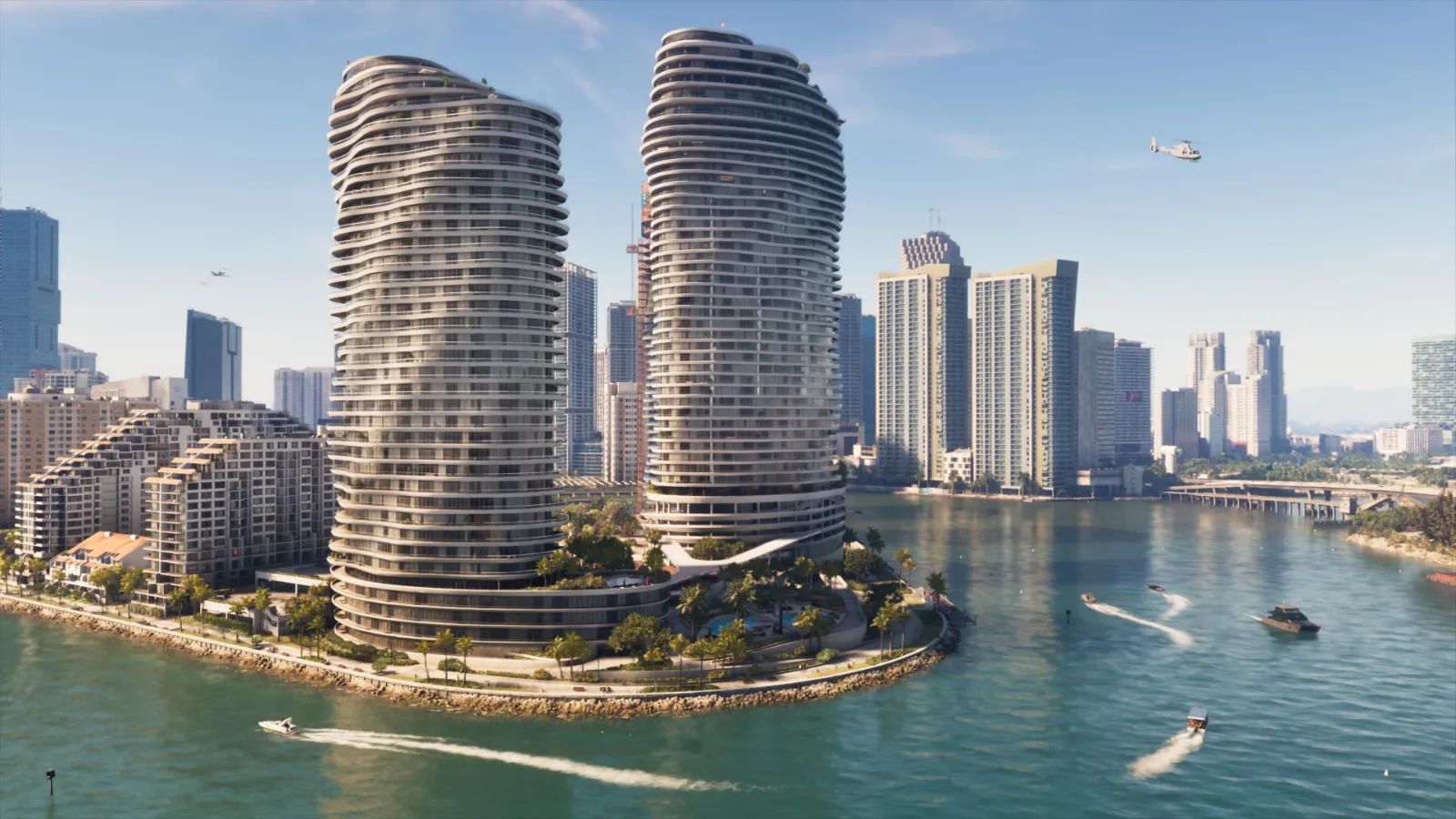
Short answer: GTA 6 targets 30 frames per second on every console. PS5 Pro adds PSSR upscaling and ray traced shadows. No 60 fps mode has been announced. The biggest wins are on your TV: turn on Game mode and calibrate HDR.
What Rockstar has confirmed
| Console | Target | Extras |
|---|---|---|
| PS5 | 30 fps | DualSense vibration and trigger effects |
| PS5 Pro | 30 fps | PSSR upscaling, ray traced shadows |
| Xbox Series X | 30 fps | |
| Xbox Series S | 30 fps |
More detail in our performance guide.
TV and console settings
- Game mode on. It cuts input lag on almost every TV.
- Calibrate HDR. Use your console's HDR calibration before starting.
- Output. Leave the console at its automatic resolution and HDR settings unless you know your TV needs otherwise.
- Storage. Install on the internal drive or a fast NVMe drive for the shortest loading.
In game settings to check first
The full settings menu arrives with the game. Expect brightness and HDR sliders, subtitles, camera sensitivity and motion blur. We will list the best values on launch day.
Frequently asked questions
Does GTA 6 run at 60 fps?
No 60 fps mode has been announced. Rockstar's target is 30 fps on all consoles.
Is GTA 6 better on PS5 Pro?
PS5 Pro adds PSSR upscaling and ray traced shadows, so image quality is higher. The frame rate target stays at 30 fps.