GTA 6 Preload: Size, Dates and How to Start It
GTA 6 preloading opened on November 10, 2026. The download is up to 212 GB depending on your console.
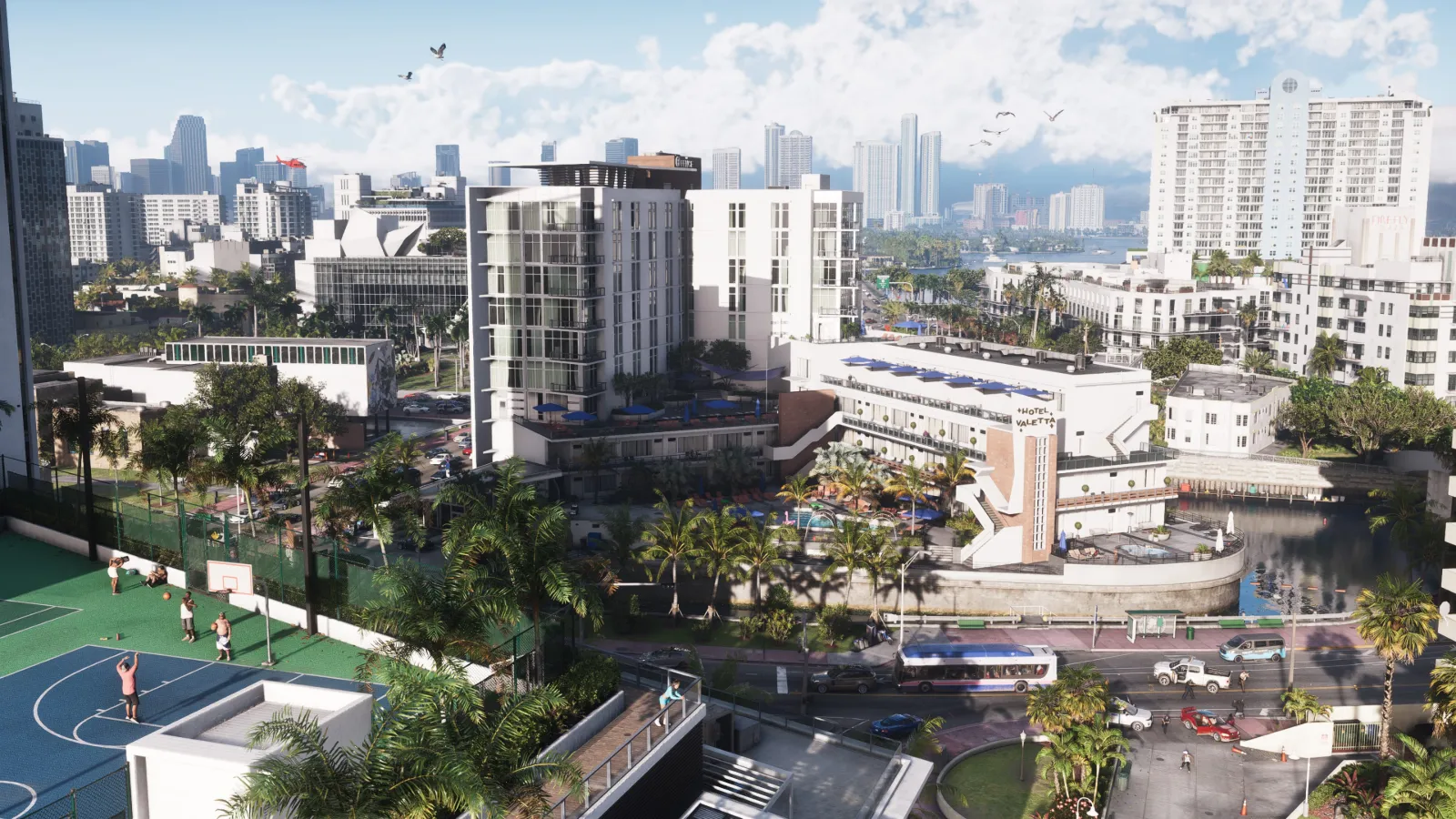
Short answer: GTA 6 preloading opened on Tuesday, November 10, 2026. Rockstar lists the download at up to 212 GB depending on your device, so clear space before you start.
When preloading starts
| Platform | Preload start |
|---|---|
| PlayStation 5 | Midnight local time on November 10 |
| Xbox Series X and S | 12:00 a.m. GMT on November 10, the same moment worldwide |
Rockstar's first plan was November 12. The date moved forward to November 10 in its November 3 update.
How much space you need
Up to 212 GB. Leave extra room on top for updates. A first patch has reportedly already reached consoles, around 1 GB on PS5 and 2.2 GB on Xbox, but Rockstar has not published patch notes.
How to preload on PS5
- Make sure GTA 6 is on your account, either bought digitally or redeemed from the box code.
- Open the game in your library and choose Download.
- Leave the console in Rest Mode with Stay Connected to the Internet switched on.
How to preload on Xbox Series X and S
- Find GTA 6 in My Games and Apps under Ready to Install.
- Select Install and pick a drive with enough free space.
- Use Sleep (Instant On) so it can finish overnight.
Bought the physical box?
There is no disc inside, only a download code. Stores have had boxes since November 12, and the code works for preloading as soon as you redeem it. PlayStation box codes are locked to a region group, while Xbox codes are not.